Cards to define work
 Projects to plan scope
 Boards to manage flow
 Tags to add attributes

Feature overview
Projects
One project, one shared goal. Collect, plan, and track everything needed to reach it.
Define scope
Define the scope of work
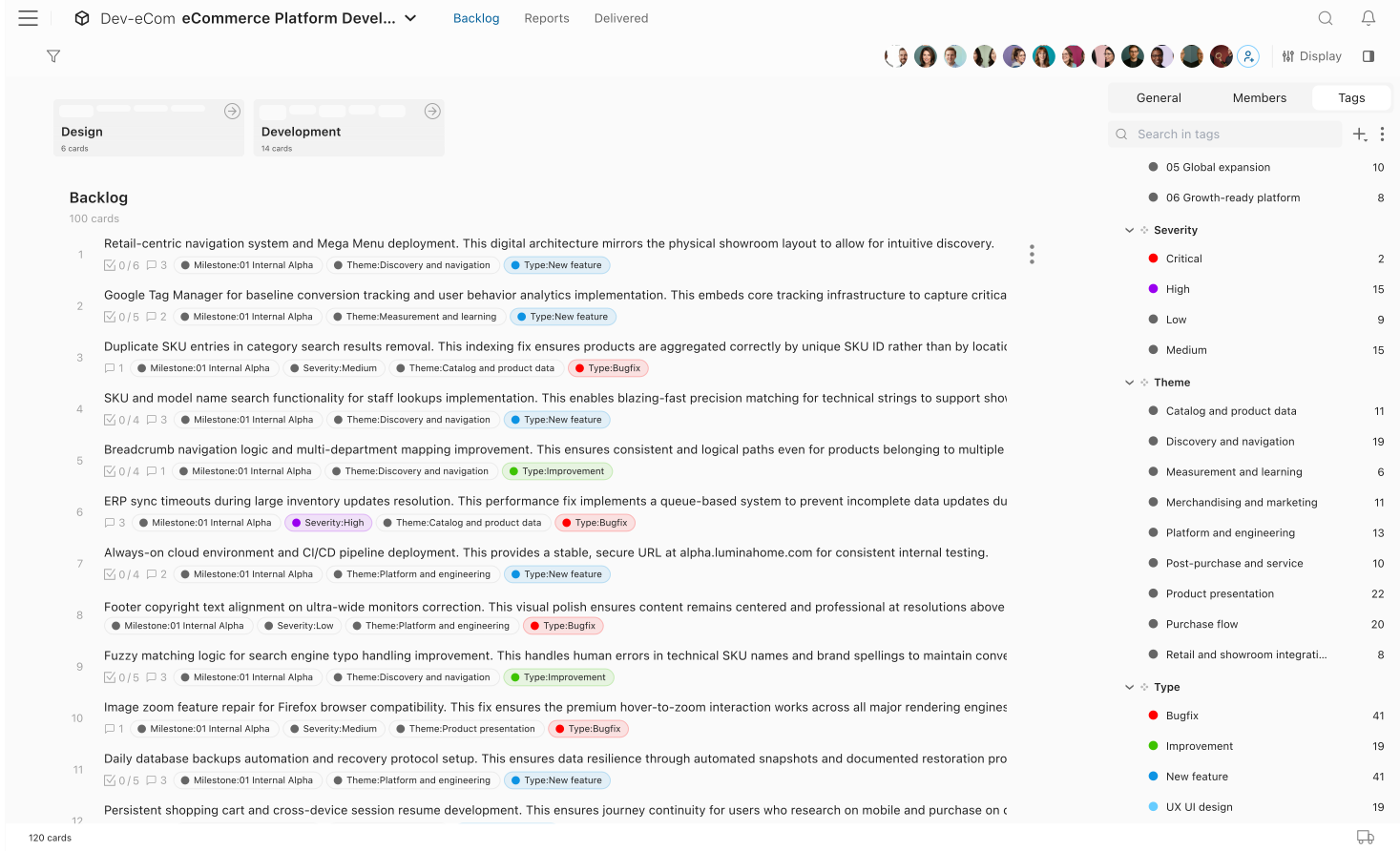
A project holds every work item in one place, so scope stays visible from planning to delivery.
- One place for all work Every work item lives in the project. Nothing is scattered across documents, sheets, or email.
- Always know where work stands Each card is planned, in progress on a board, or delivered. Progress is clear at a glance.
- Filter to what is relevant Narrow the project by tags, members, or due dates to focus on what matters right now.


Prioritize
Plan work in the backlog
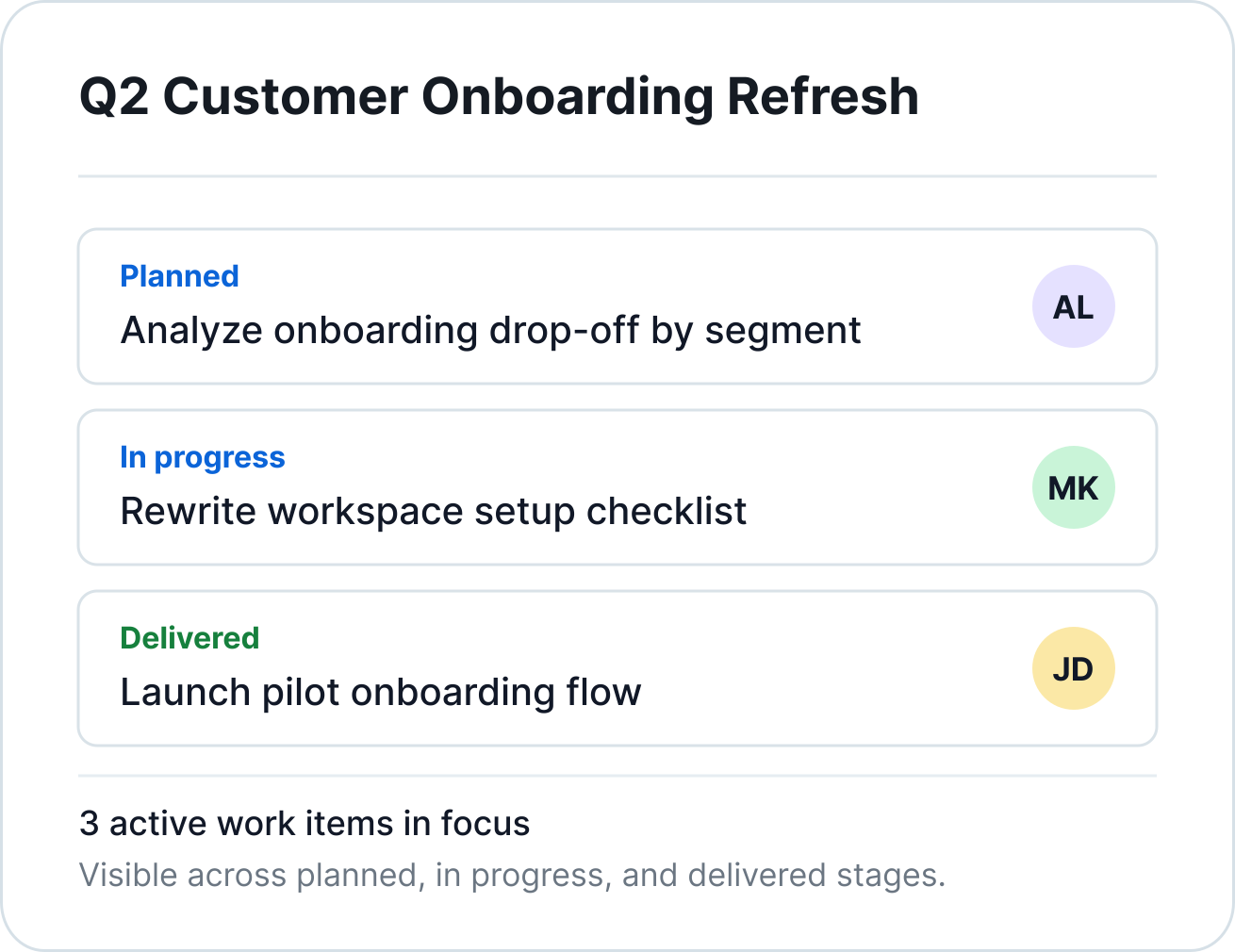
Backlog order is the implementation plan. The top card is what the team starts next.
- Drag to reorder Move cards up or down to reflect what should be implemented first.
- Add cards anywhere in the list Insert new cards between existing ones without disrupting the rest of the plan.
- Turn a list into a backlog in seconds Paste lines from a document or spreadsheet and each line becomes a card instantly.


Workflow
Separate planning from execution
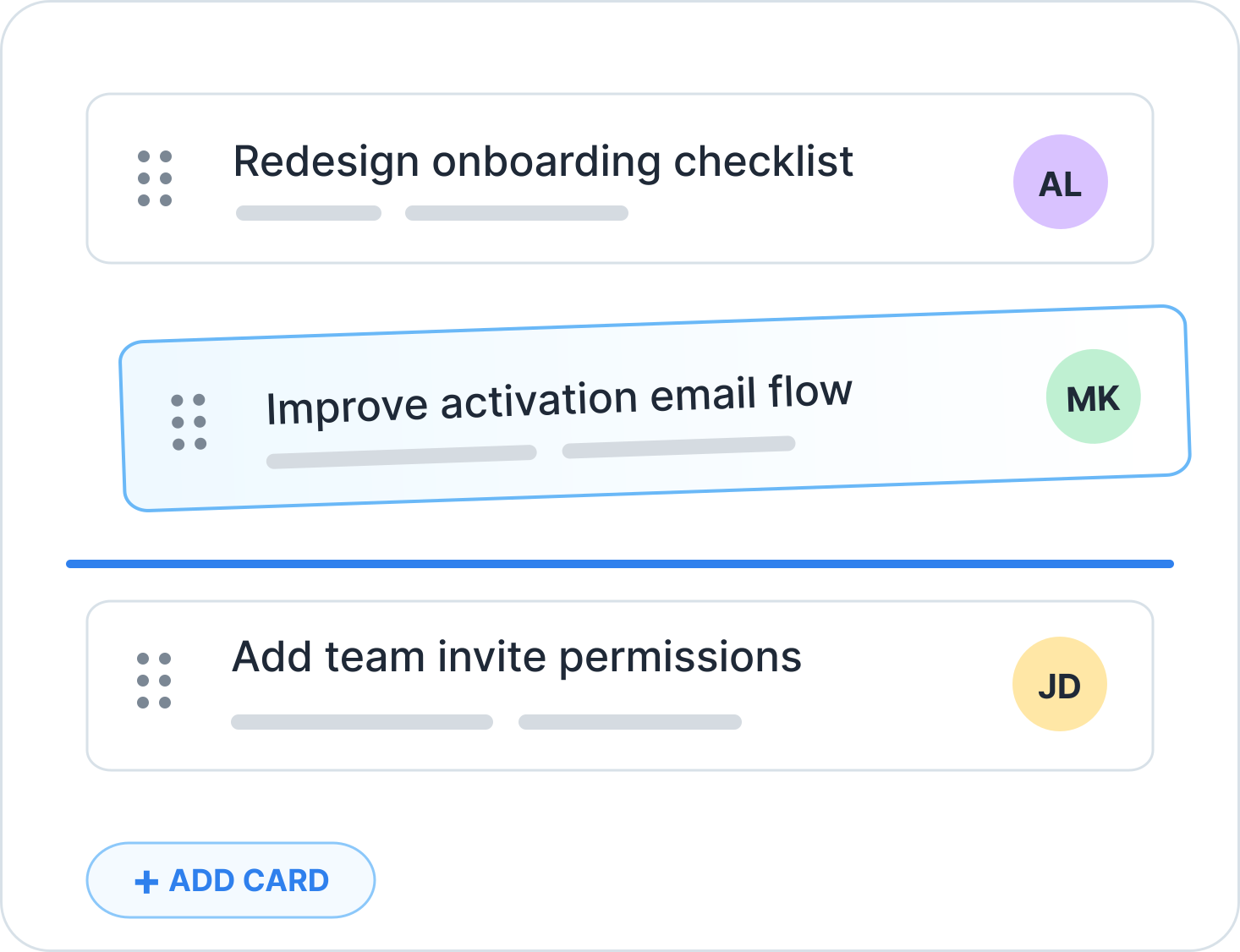
Projects define what needs to happen. Boards are where teams execute the work.
- One project, multiple boards A single project can connect to separate boards for development, design, and content.
- One board, multiple projects A single board can combine cards from several projects so cross-project teams stay focused.
- Move cards from planning to execution Drag cards from backlog onto a board when the team is ready to start.


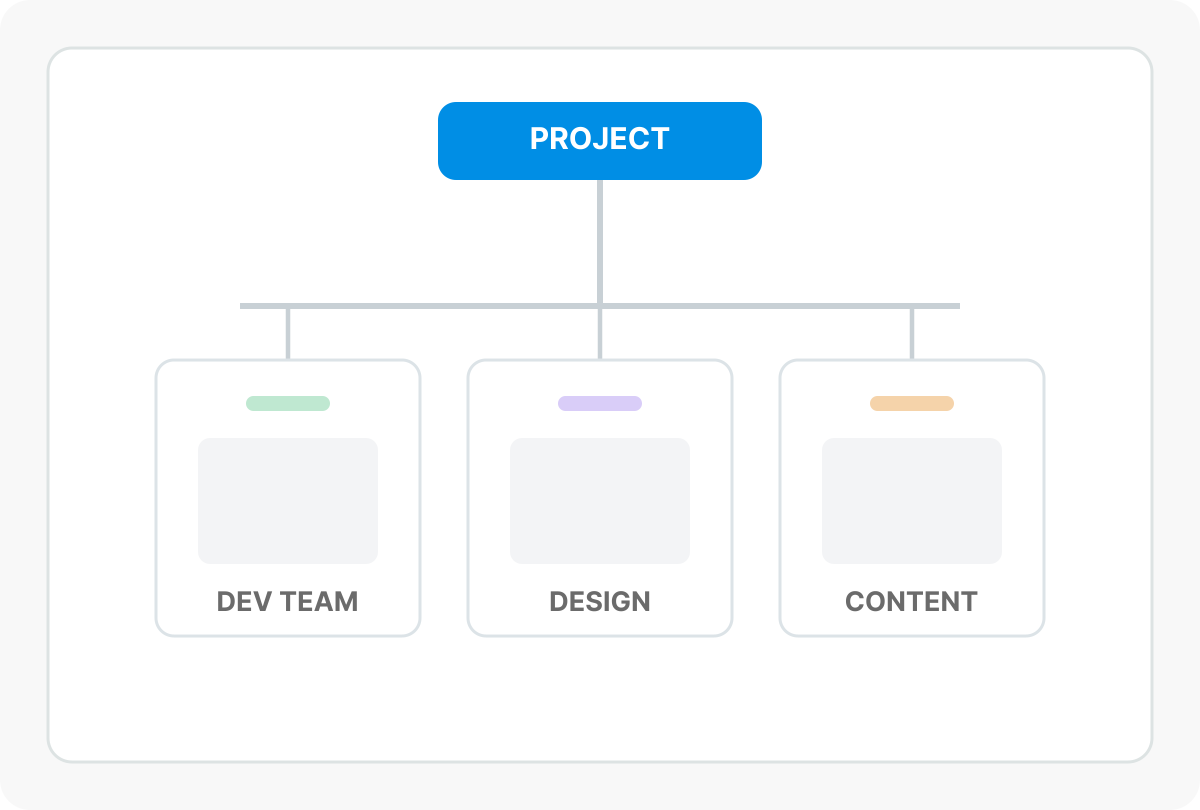
Monitoring
Track what is in progress
See active work directly from the project view while keeping backlog and board context together.
- See board contents without leaving the project Open connected boards in place and review in-progress cards with the project backlog.
- Expand all boards at once Unfold all connected boards in one click for a full view of active work.
- Filter by tag or assignee Narrow large projects to the exact people or work types you need to inspect.


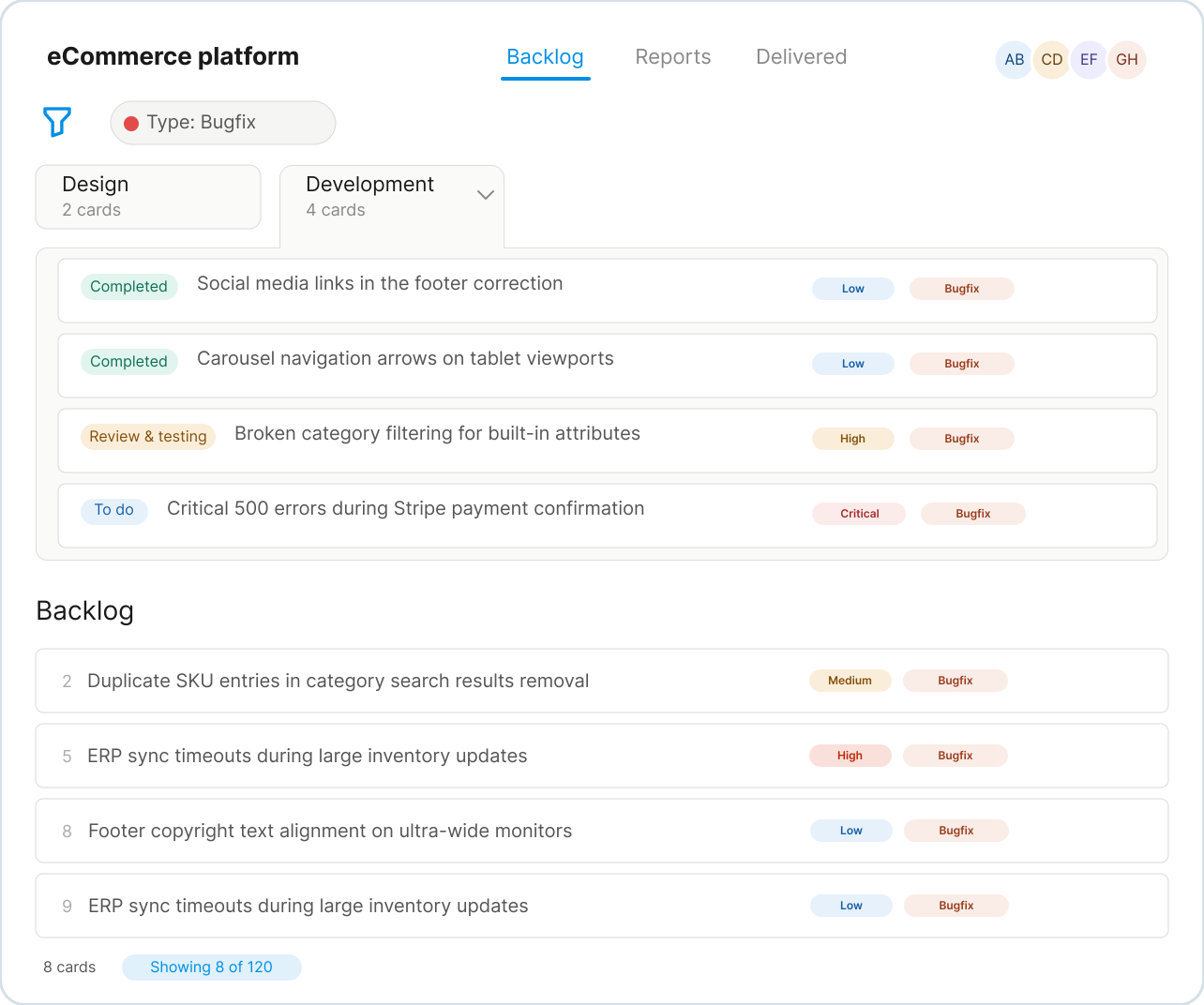
Review
Review delivered work
Delivered cards remain visible in a dedicated section, grouped by date for a clear delivery record.
- All delivered cards in one list Completed cards are grouped by delivery date with the most recent outcomes on top.
- Delivered regardless of which board processed it Cards from any connected board land in the same delivered section for full project visibility.
- Deliver directly from the backlog When a board is not needed, cards can move straight from planning to delivered.


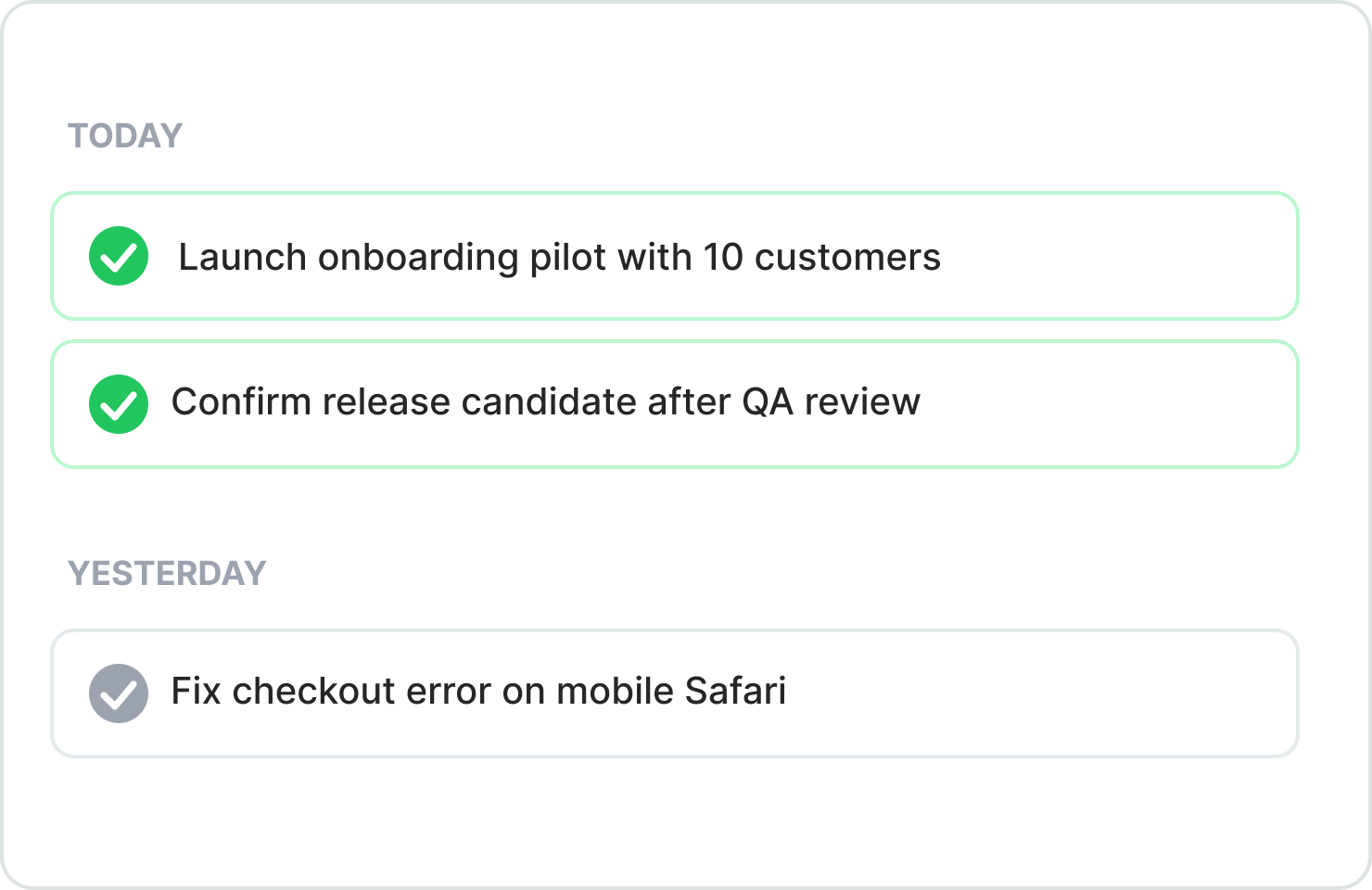
Analytics
Measure delivery rate over time
Track throughput trends so planning decisions are based on delivery data, not assumptions.
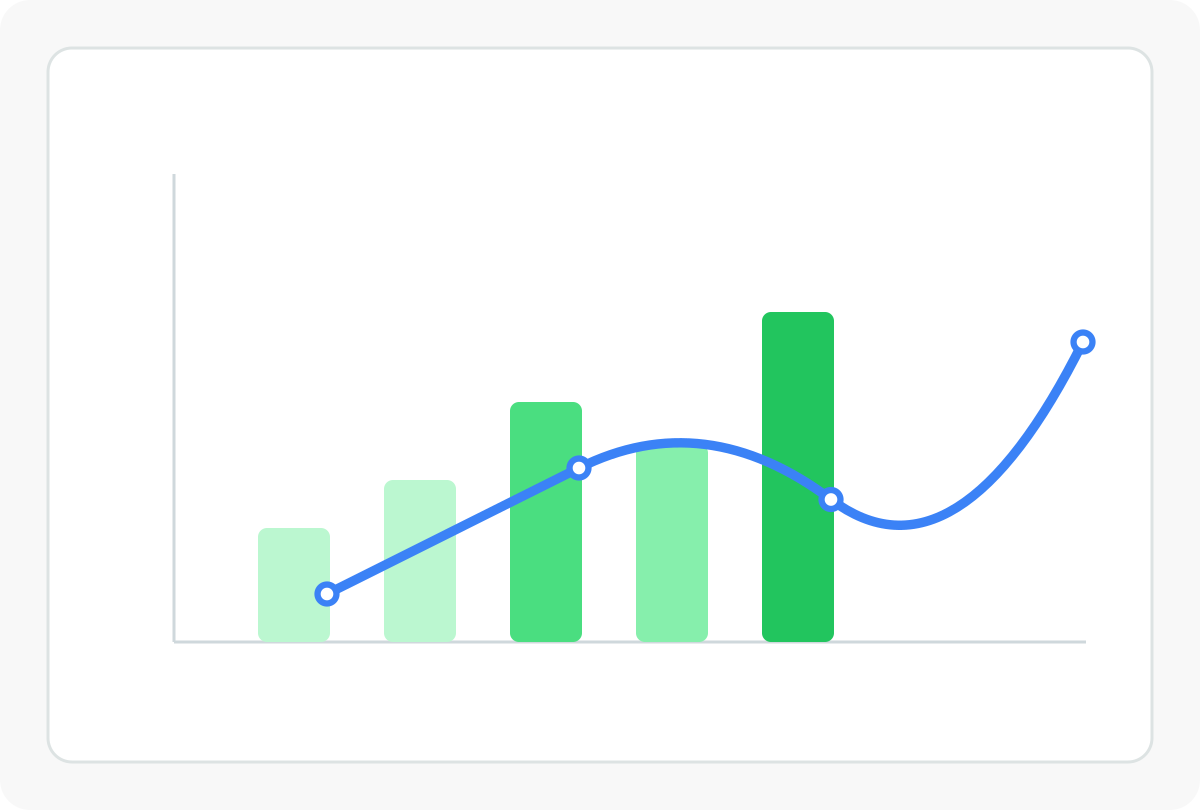
- Weekly throughput at a glance See how many cards or points are delivered each week.
- Moving average smooths out the noise A trend line shows delivery rate over time without overreacting to short-term spikes.
- Use it to forecast Combine backlog size and throughput history to estimate completion windows.