 Cards to define work
 Projects to plan scope
 Boards to manage flow
 Tags to add attributes

Feature overview
Cards
One card, one meaningful deliverable. Everything related to it stays in one place.
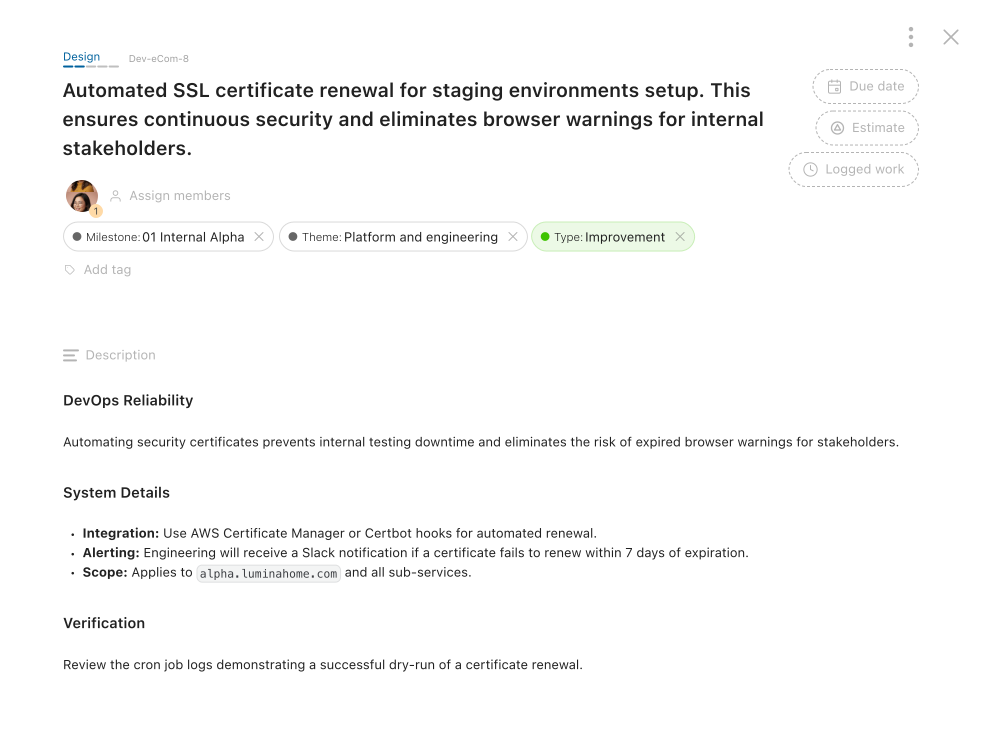
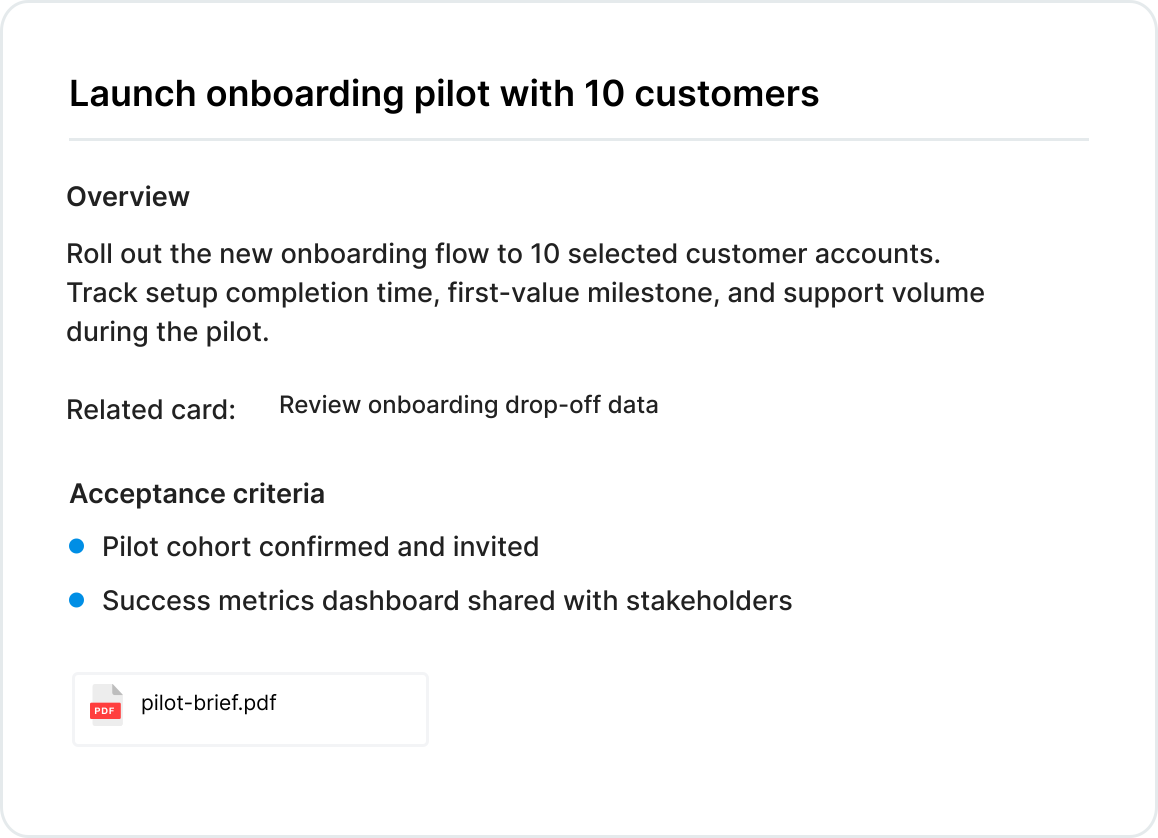
Describe
Describe what to deliver
Every deliverable gets its full context. Right where the work happens.
- Rich, formatted descriptions Use headers, lists, and code blocks to describe work clearly.
- Attach files and links Attach files directly, or reference documents from outside sources.
- Reference other cards Create live connections across the project — no context lost.


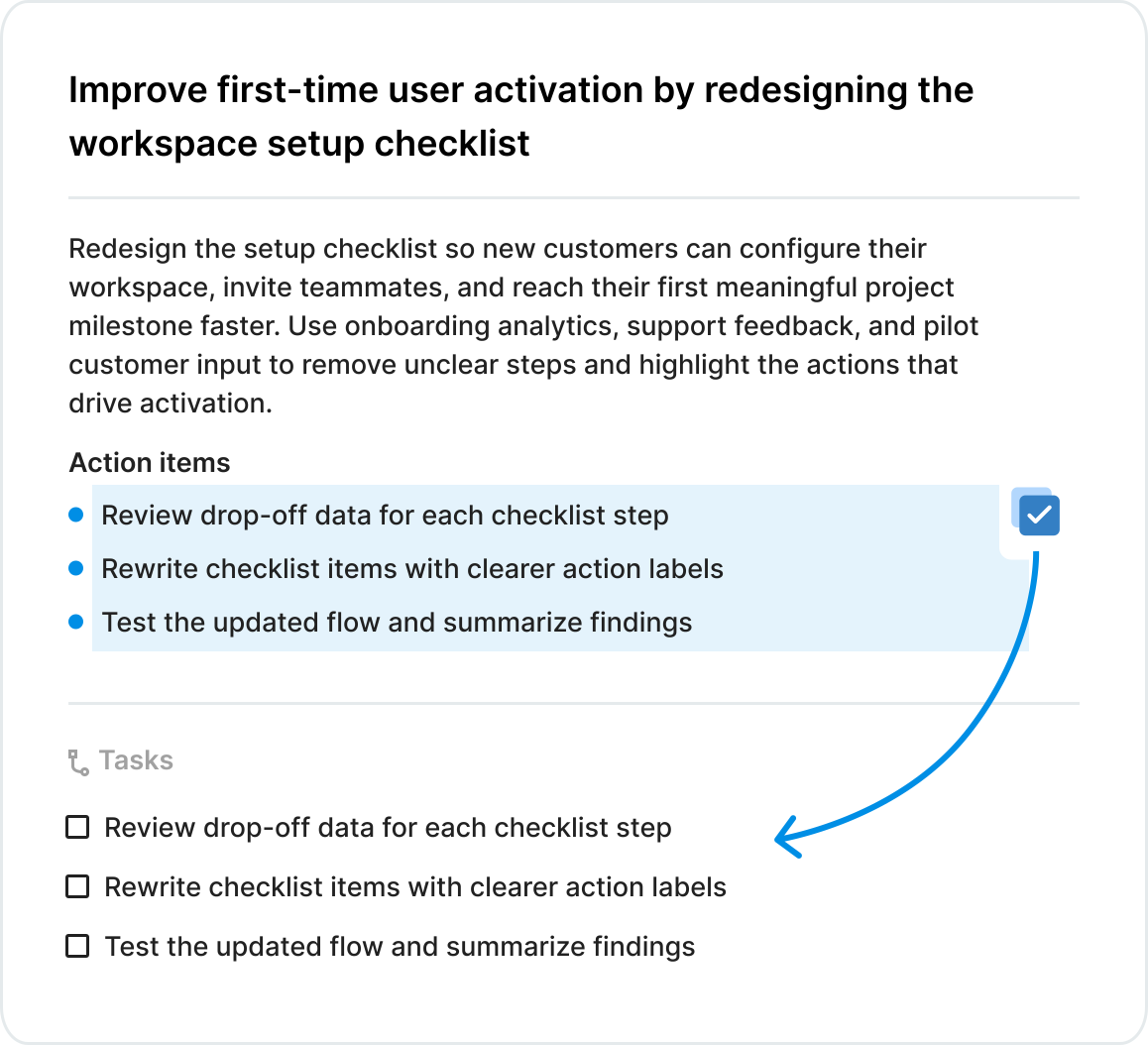
Decompose
Break cards into pieces as the scope evolves
Split cards into tasks and sub-cards without leaving the card.
- Start from the description Implementation details and requirements live in the description, as paragraphs or structured lists.
- Convert text blocks to tasks Select any list or paragraphs and convert them directly into tasks.
- Split into a new card instantly Highlight any text in the description and convert it into a brand new card.


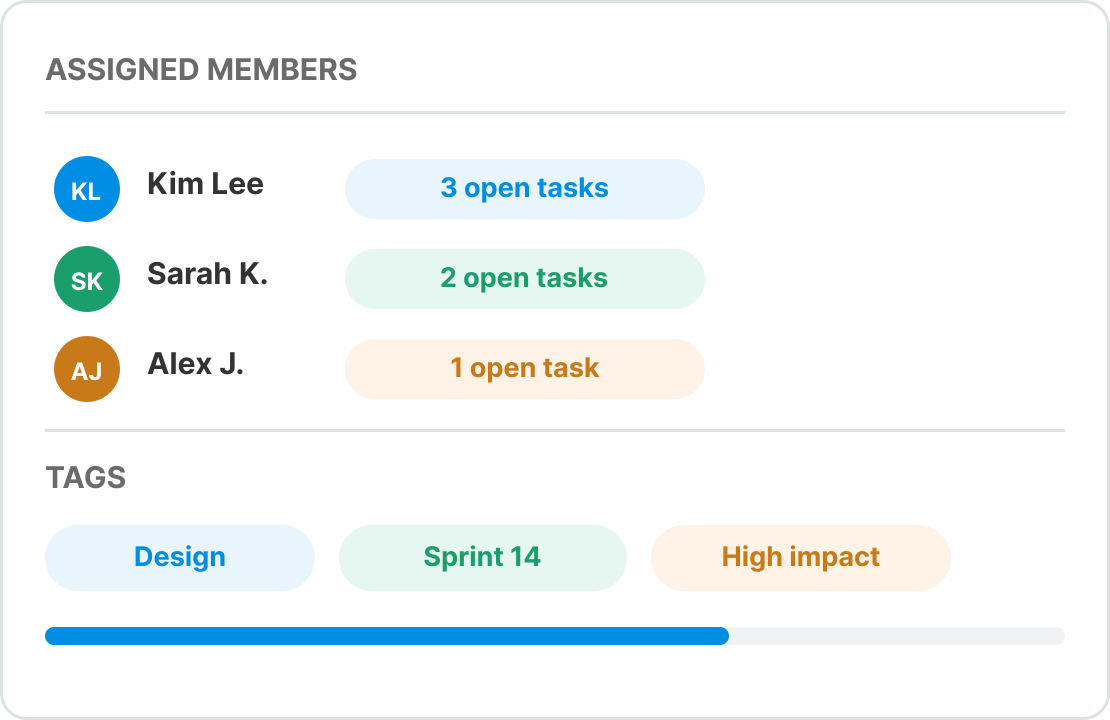
Assign
Assign members and classify work
Set ownership and categorize cards with color-coded tags.
- Assigned members See who is on the card and how many open tasks each person has.
- Color-coded tags Classify cards with tags. Filter and report on them across the project.


Discuss
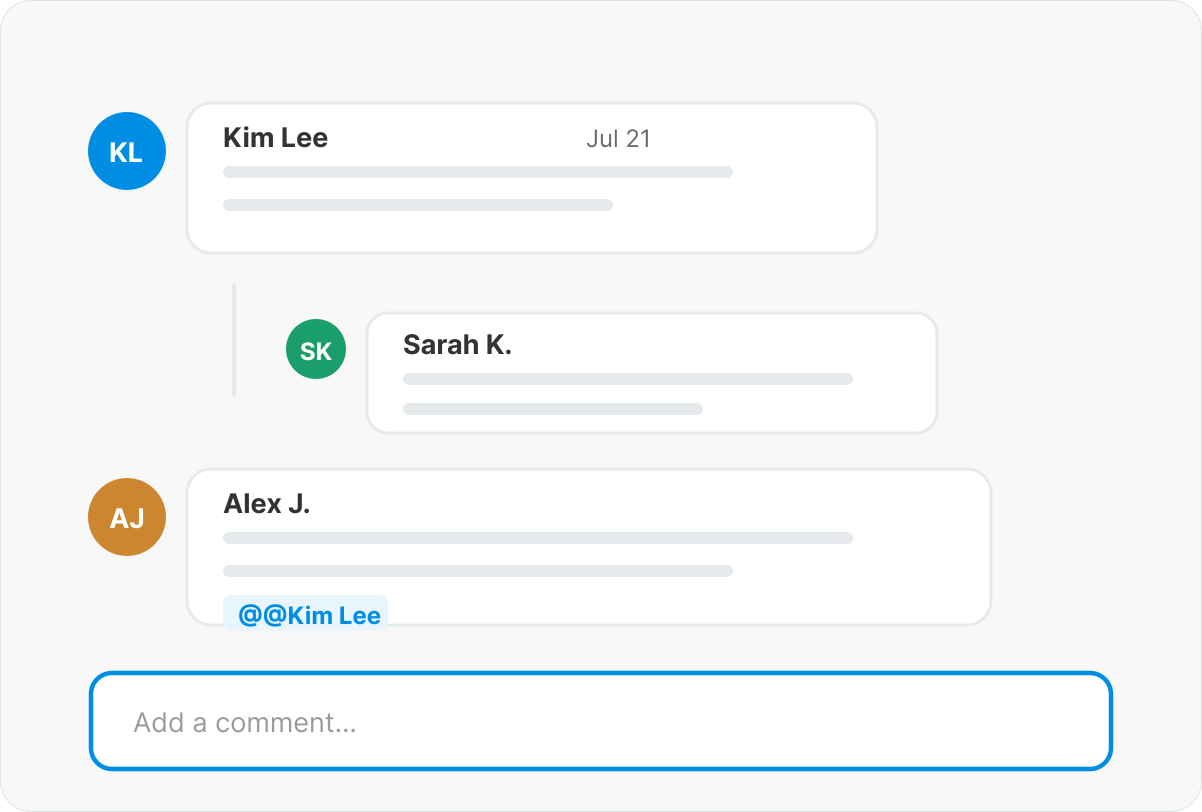
Discuss with your team
Decisions, feedback, and context stay attached to the work. Not buried in a separate chat.
- Mention teammates to notify them instantly No ambiguity about who a comment is for. They get notified and land right in the conversation.
- Reply to keep threads organized Reply directly to a comment. Threads stay readable even on busy cards.
- Attach files to any comment Share screenshots, documents, or images right where the conversation happens.


Measure
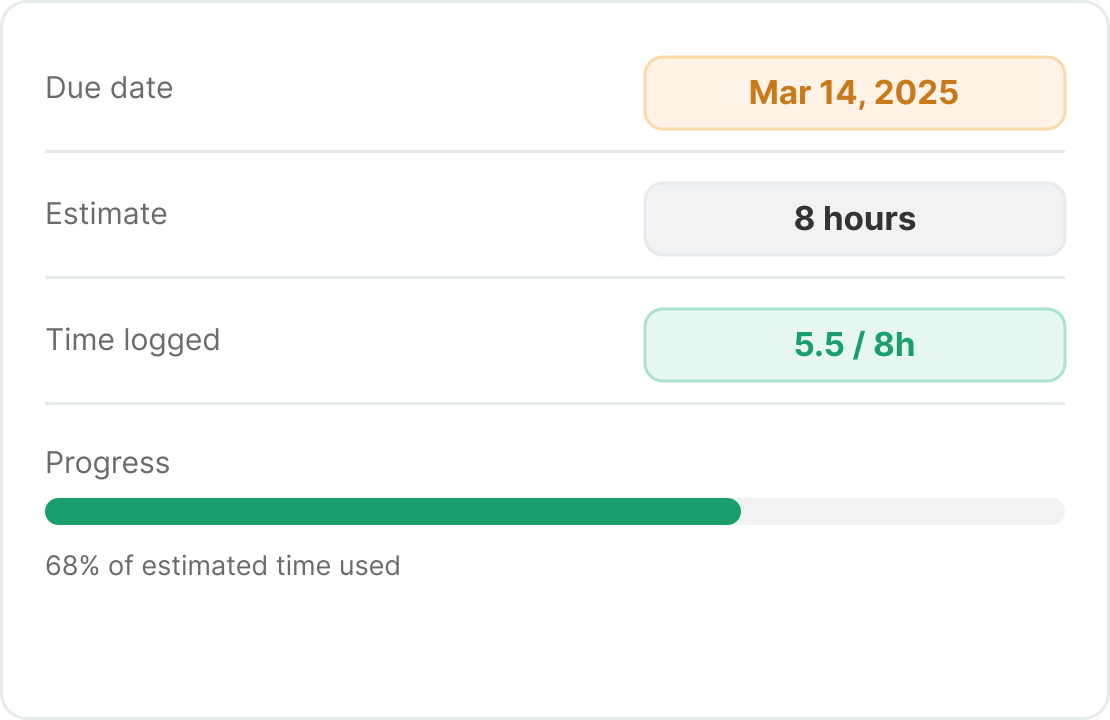
Estimate, plan, and track work
Set estimates before work starts. Log time as it happens. Use both to plan more accurately over time.
- Set a due date Everyone knows the deadline. No assumptions, no surprises.
- Add effort estimations before you begin Set the required effort before work starts. Use it to plan and prioritize realistically.
- Log time spent Keep a clean record for accounting, planning, and review.


Edit with speed
Keyboard shortcuts
Every action is one keystroke away. Stay in flow — no mouse needed.
D
Add a due date
M
Assign a member
T
Add a task
G
Add a tag
A
Attach a file
C
Add a comment
E
Add an estimate
L
Log work